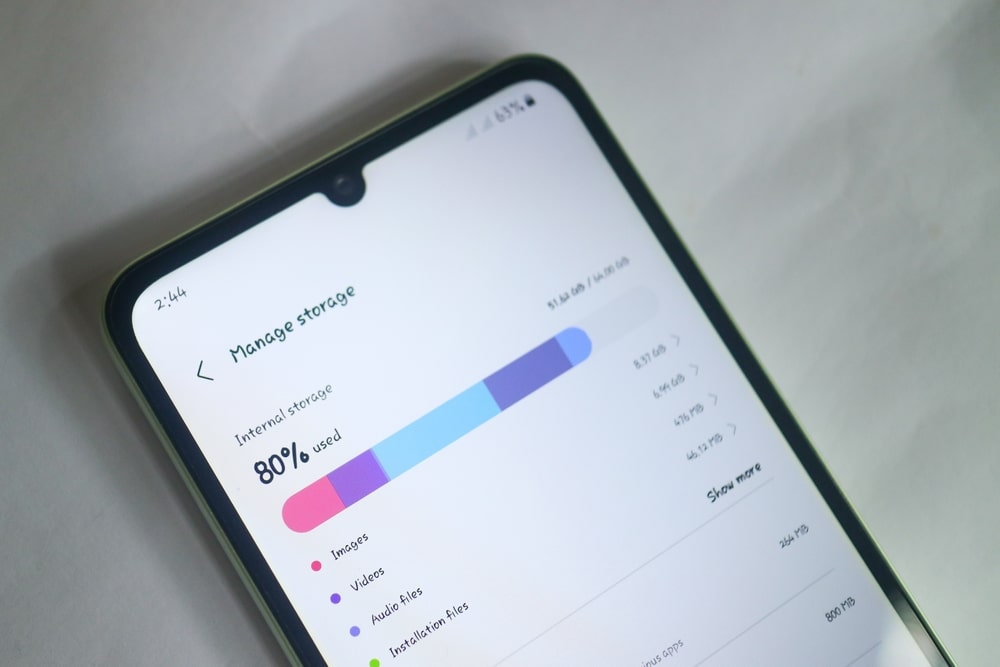
Your smartphone is probably one of the most used items in your life. It holds your photos, messages, apps, documents, and countless other pieces of digital clutter that accumulate over time. At first, everything feels organized, but after months or years of use, things can quickly get out of control. Slow performance, limited storage, and endless notifications often become part of everyday life. The good news is that you do not need advanced technical skills to fix it. If you take a little time to clean up your phone, you can make it faster, more organized, and much easier to use every day.
Why Digital Clutter Builds Up So Quickly
Most people download apps without thinking twice. A useful tool today might become something you never touch again six months later. The same goes for screenshots, duplicate photos, downloaded files, and old conversations. Because storage capacities continue to grow, it is easy to forget how much unnecessary content is sitting on your device.
Digital clutter often develops gradually. You do not notice the problem until your phone starts warning you about low storage space or becomes noticeably slower. The first step to clean up your phone is recognizing that every unused file and app contributes to the problem. Once you start paying attention, you may be surprised by how much unnecessary content has accumulated.
Start With Apps You Never Use
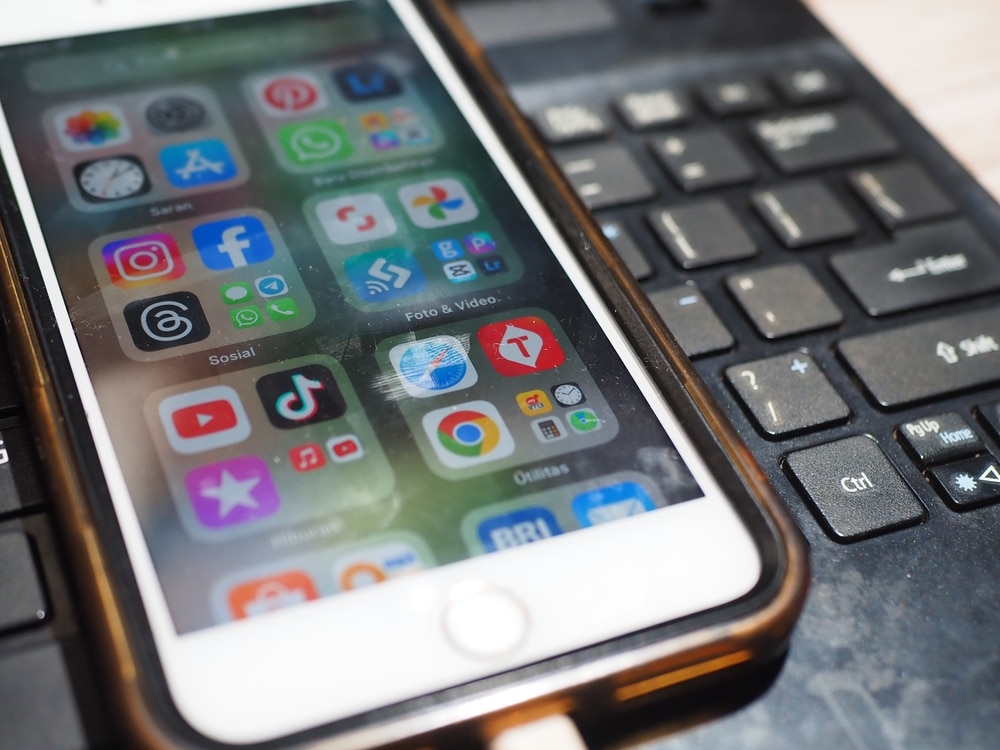
One of the easiest ways to regain control is by reviewing your installed applications. Open your app list and ask yourself a simple question: when was the last time you used this app? Many people discover dozens of forgotten downloads taking up valuable space.
Games that seemed entertaining for a weekend, productivity tools that never became habits, and shopping apps used only once are common offenders. Removing them not only frees storage but can also reduce background activity that affects battery life. When you clean up your phone by deleting unused apps, you are often making a bigger difference than you expect.
Take Control of Your Photos
Photos and videos usually consume more storage than anything else. Modern smartphones make it incredibly easy to take hundreds or even thousands of pictures every year. Unfortunately, that convenience often leads to endless duplicates, blurry shots, and screenshots that no longer serve a purpose.
Spend some time reviewing your gallery. Delete poor-quality images, duplicate photos, and videos you no longer need. Organizing important pictures into albums can also make them easier to find later. Many people discover several gigabytes of recoverable space simply by managing their photo libraries. If you want to clean up your phone effectively, your gallery is one of the best places to start.
Organize Your Home Screen
A cluttered home screen creates unnecessary stress. When dozens of apps are scattered across multiple pages, finding what you need becomes frustrating. A cleaner layout improves both efficiency and user experience.
Group similar apps into folders. For example, place banking apps together, social media apps in another folder, and productivity tools in a separate location. Remove widgets you never use and keep only the most important applications visible. When you clean up your phone visually, it often feels newer and easier to navigate, even if no hardware changes have been made.
Clear Downloads and Temporary Files
Many people forget about the download folder entirely. Documents, PDFs, images, and installation files often remain there long after they are needed. Over time, these forgotten files can consume a surprising amount of storage.
Most smartphones also collect temporary data known as cache files. These files help apps load faster, but they can accumulate significantly over time. Reviewing and clearing unnecessary downloads and cached data can free up space while improving overall performance. It is one of the simplest ways to clean up your phone without deleting anything important.
Manage Notifications More Carefully
Notifications are a different kind of clutter. While they do not occupy much storage, they can overwhelm your attention and make your device feel chaotic. Many apps send alerts that provide little actual value.
Take a few minutes to review notification settings. Disable alerts from apps that are not essential. Keep notifications active only for messages, important reminders, and services you genuinely care about. This simple adjustment can dramatically improve your daily experience. Many users find that when they clean up your phone notifications, they also feel less distracted throughout the day.
Sort Through Contacts and Messages
Contacts and messages may not consume huge amounts of storage, but they contribute to organizational clutter. Old conversations, outdated phone numbers, and duplicate contacts can make communication more difficult than it needs to be.
Review your contact list and remove duplicates or obsolete entries. Archive or delete message threads that no longer matter. This process may seem small, but it creates a more streamlined experience. Every effort to clean up your phone contributes to making the device feel more manageable and efficient.
Review Your Cloud Storage
Cloud services can be both helpful and problematic. They provide convenient backups, but they can also become disorganized if left unmanaged. Files may be duplicated between devices, old backups can accumulate, and forgotten documents may remain stored indefinitely.
Check services such as Google Drive, iCloud, OneDrive, or Dropbox. Delete files you no longer need and organize important content into folders. A well-maintained cloud account complements your local storage and ensures important information remains easy to access. Many people overlook this step when they clean up your phone, even though it can have a significant impact.
Create Better Habits Going Forward
Cleaning your phone once is helpful, but maintaining it is even more important. The best strategy is preventing clutter from building up again. Small habits can make a major difference over time.
Before downloading a new app, consider whether you truly need it. Delete screenshots after using them. Review your photo library regularly and remove unnecessary files each month. Schedule a quick maintenance session every few weeks. When you consistently clean up your phone, future cleanups become much faster and less overwhelming.
The Benefits of a Cleaner Device
A cleaner smartphone does more than free storage space. It can improve performance, reduce frustration, increase productivity, and even help you feel more organized in daily life. Because smartphones have become such a central part of modern living, their condition often influences how smoothly our days unfold.
People frequently assume they need a new device when performance declines. In reality, a thorough effort to clean up your phone can often restore much of the speed and convenience that seemed lost. The result is a device that works better and feels more enjoyable to use.
Your phone should make life easier, not create additional stress. Yet many people carry around years of accumulated digital clutter without realizing how much it affects their experience. The good news is that meaningful improvements do not require expensive upgrades or advanced technical knowledge. A little time spent deleting unnecessary apps, organizing files, managing photos, and reducing distractions can make a remarkable difference. Whether your goal is improving speed, creating more storage, or simply enjoying a cleaner interface, taking action today is worthwhile. Once you clean up your phone properly, you will likely wonder why you waited so long.
Looking for more Digital Productivity hacks? Check them here!