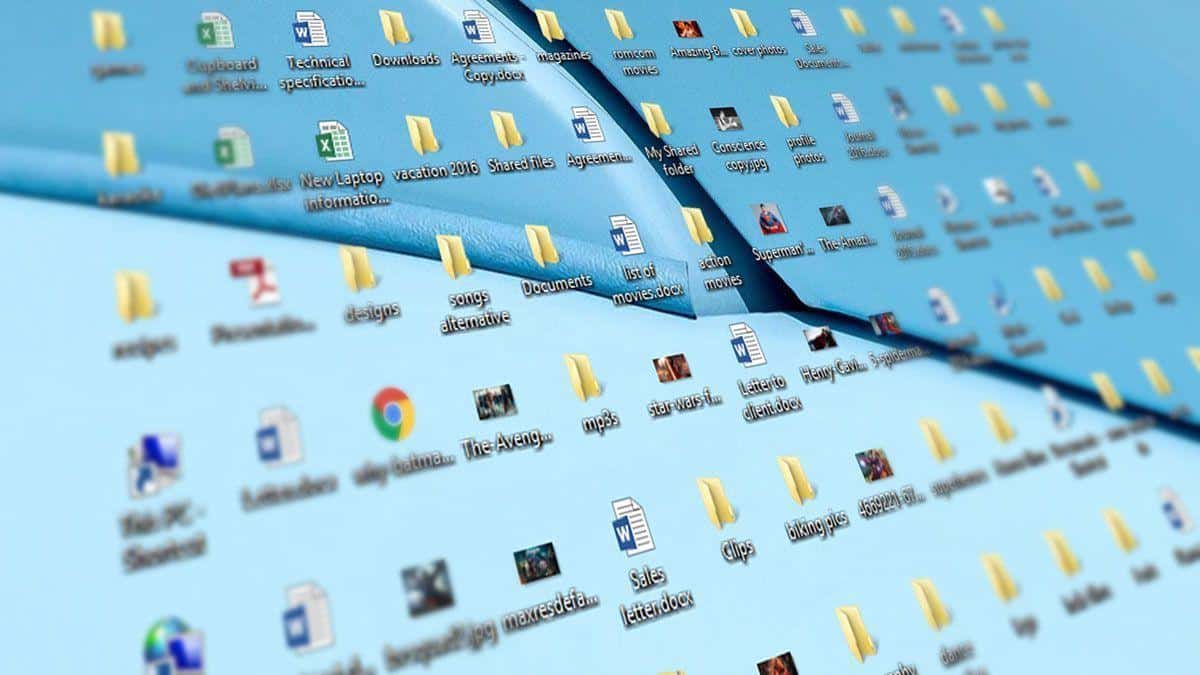
Staring at my desktop had become a daily stressor. Files littered every corner, screenshots overlapped like digital confetti, and mystery folders labeled “New Folder (23)” taunted me. I knew something had to change, but I didn’t trust myself to suddenly become a hyper-organized person. That’s when I decided to hand the job over to technology. I wanted to see if AI productivity tools could turn my chaos into something functional without me lifting much more than a finger. Little did I know the process would be surprisingly entertaining—and even a little bit humbling.
Letting AI Productivity Tools Take the Wheel
The first step in letting AI productivity tools reorganize my messy desktop was admitting defeat. I downloaded a few popular apps promising smarter file sorting and clutter reduction. These tools analyzed file names, types, modification dates, and even content to determine what belonged where. Within minutes, they had sorted my documents into neat categories that actually made sense. Watching my chaotic collage reshape itself into order felt like witnessing a digital magic trick, powered by the kind of logic I clearly lacked.
How AI Interprets Your Digital Habits
One unexpected discovery was how AI productivity tools interpret patterns you don’t even realize you follow. For instance, they noticed I save all my creative projects with vague titles and store my important PDFs right next to memes. Instead of judging me, the system sorted everything through learned associations. It identified how often I accessed certain files, grouped related items based on usage frequency, and even flagged things I hadn’t touched in years. Suddenly, the clutter didn’t just disappear—it became a map of my digital habits.
Turning Chaos Into Categories
After the initial scan, AI productivity tools suggested new folder structures. These weren’t the usual generic labels but smart categories that reflected how I actually worked. There were folders for ongoing projects, items to revisit later, archived materials, and even a temporary zone for recent downloads. It felt like having a digital assistant who had been quietly observing me for months and now revealed it knew my workflow better than I did.
Automating future organization
The best part? The automation. With AI productivity tools, I didn’t have to worry about my desktop spiraling back into chaos. New files were automatically sorted based on learned rules. Screenshots stopped piling up like digital laundry. Even my downloads folder—once a black hole of forgotten files—became manageable. The tools cleaned, sorted, and maintained order with an efficiency I could never achieve manually.
The Limitations of AI
But it wasn’t perfect. Every now and then, AI productivity tools misfiled something—usually because I had given it nothing meaningful to work with. Files named “final_final_realfinal.docx” confused it as much as they confused me. Sometimes the system asked questions to clarify confusing items, reminding me that while AI can guess well, it can’t read my mind. These moments weren’t failures; they were reminders that humans and AI still need to work together.
The Emotional Side of Decluttering
Oddly enough, watching AI productivity tools clean my digital space felt similar to decluttering a room. I felt lighter, more focused, even a bit embarrassed at how bad things had gotten. When old forgotten projects resurfaced, I got unexpectedly nostalgic. When duplicates were deleted, I felt relieved. The experience showed me that digital mess affects emotions just as much as physical clutter does.

Relearning How to Navigate My Own Computer
Once the cleanup was done, I had to relearn where things were—an ironic side effect of delegating the job. But the new structure created by AI productivity tools was so logical that adjusting to it took only a day or two. Instead of relying on muscle memory and frantic searching, I could actually find things on purpose. It was liberating, like going from stumbling through a dark room to flipping on the lights.
Long-term Impact on Workflow
Weeks later, the impact became clear. I opened my computer each morning without dread. I found files quickly, worked more efficiently, and spent less time cleaning up after myself. And thanks to AI productivity tools, everything stayed clean without requiring my constant attention. They weren’t just organizing things; they were quietly improving the way I worked.
The Unexpected Lessons
This whole experiment taught me a few things. First, clutter doesn’t mean you’re lazy—it often means your system isn’t designed for how you actually live or work. Second, AI productivity tools aren’t about perfection; they’re about assistance. And third, sometimes letting go of control leads to better results than obsessively trying to do everything yourself.
Should You Try It?
If your desktop looks like mine did—chaotic, overwhelming, and possibly a little shameful—giving AI productivity tools a try might be worth it. They adapt to your habits, they learn as they go, and they quietly save you time. Most importantly, they reduce the mental load that comes with digital clutter, which is something almost anyone can benefit from.
For me, this wasn’t just a cleanup—it was a mindset shift.
Handing over my messy desktop to technology was a gamble, but one I’m glad I took. By trusting AI productivity tools to handle the organization, I discovered that automation can genuinely support better habits rather than replace them. My computer now feels like a space I want to use, not avoid. The transformation wasn’t just about the files; it changed the way I approach my workday. If you’ve ever felt weighed down by digital disarray, letting intelligent systems tackle the mess might give you the clarity you didn’t realize you were missing. Sometimes the smartest move is stepping back and letting the tech step in.
Do you want to learn more helpful tools to increase your digital productivity? Than you will find the category page here